Custom Cat Stickers for Planners, Journals & GoodNotes
Add your own cat to your planner, bullet journal or digital notebook. Stickfur turns one photo into 6 custom die-cut stickers you can print for a paper planner or drop straight into GoodNotes and Notability as transparent PNGs. Preview the whole pack free, then download instantly — no shipping, no waiting.
Make my cat stickersFree to generate & preview · $9.90 one-time to download
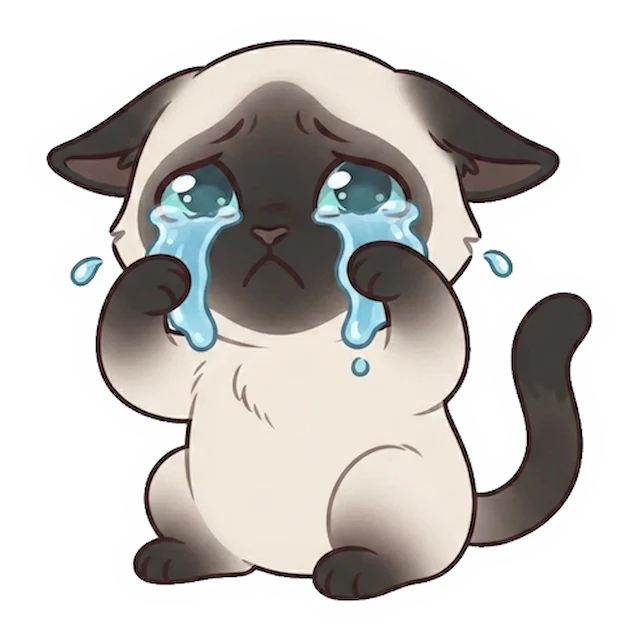
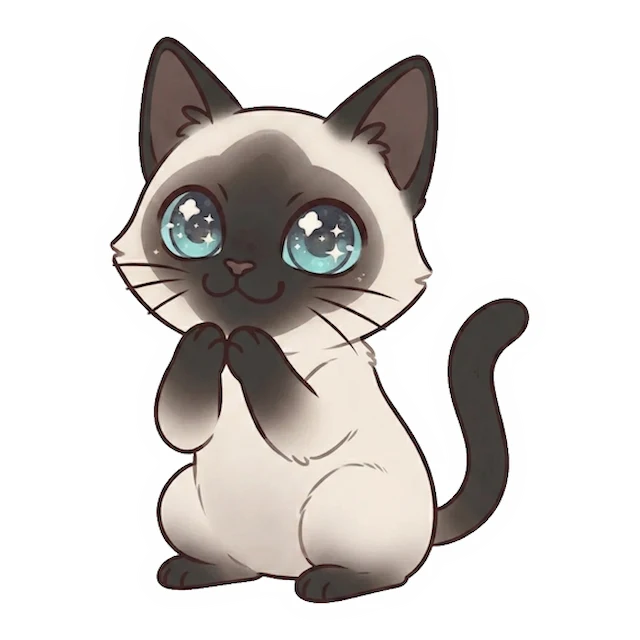
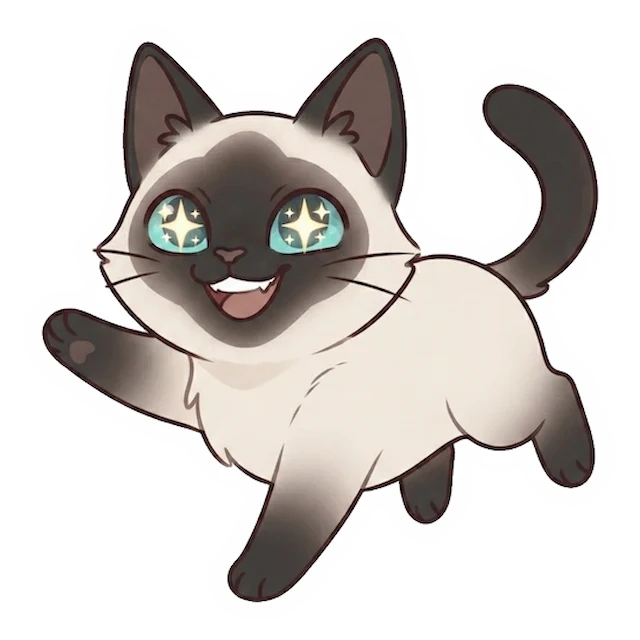
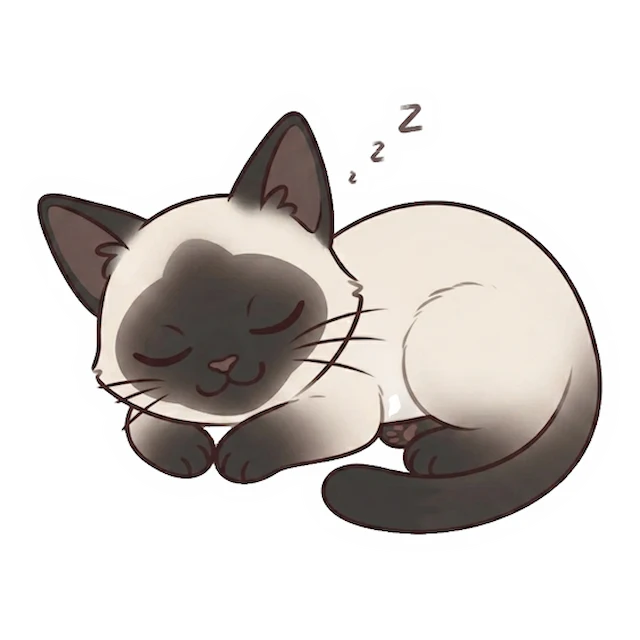
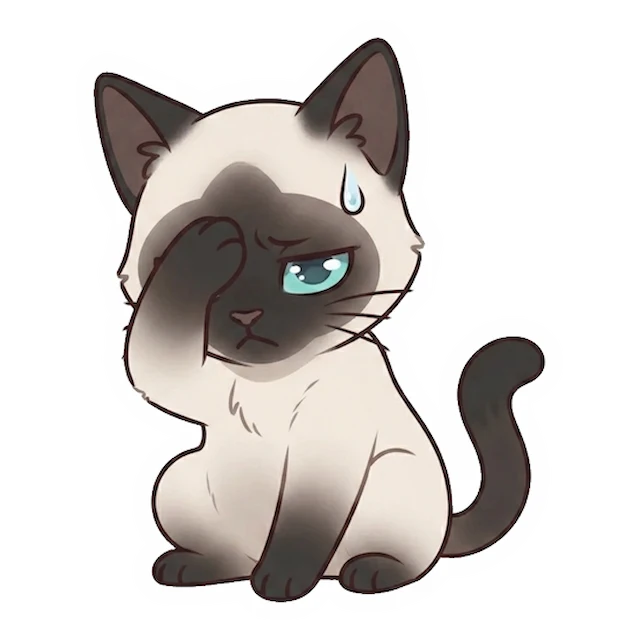
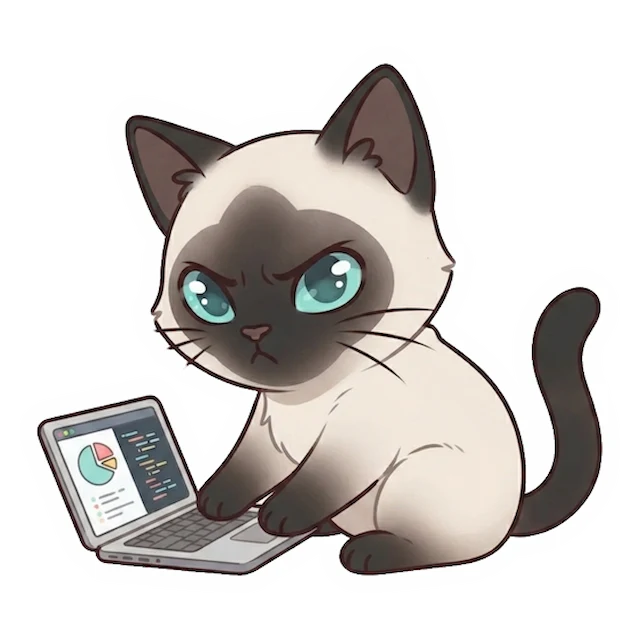
Example pack — 6 cat stickers for planners, journals & note apps
Why make planner stickers here
- 📔 Planner & journal ready — 6 clean die-cut stickers that drop into a bullet journal, planner or notebook.
- 📱 Digital too — the transparent PNGs work in GoodNotes, Notability and other note apps, not just on paper.
- 🐱 Your actual cat — the AI keeps your cat's face, colors and markings across 6 poses — not a generic sticker set.
- ⚡ Instant — generate, preview and download in minutes — no shipping.
Why make planner stickers here
- 🛒 vs generic planner sticker packs — shops and apps sell stock designs. This is your own cat, in 6 poses.
- 🖼️ vs free clip art — clip art is a generic cat. These stay unmistakably your cat, with clean cut edges.
- 🧾 vs Etsy printable packs — those are someone else's art. Here the whole pack is built from your cat's photo.
- 📷 vs a single image — you get 6 poses plus print-ready files, so the same cat works on paper and in note apps.
How to make cat stickers for planners
- 1
Upload your cat's photo
One clear photo is enough for the AI to build a matching sticker set.
- 2
Preview 6 poses
Check the whole pack free before you download.
- 3
Print or import
Print on sticker paper for a paper planner, or drop the transparent PNGs into GoodNotes/Notability.
What’s in your pack
One photo in — a full printable kit out.
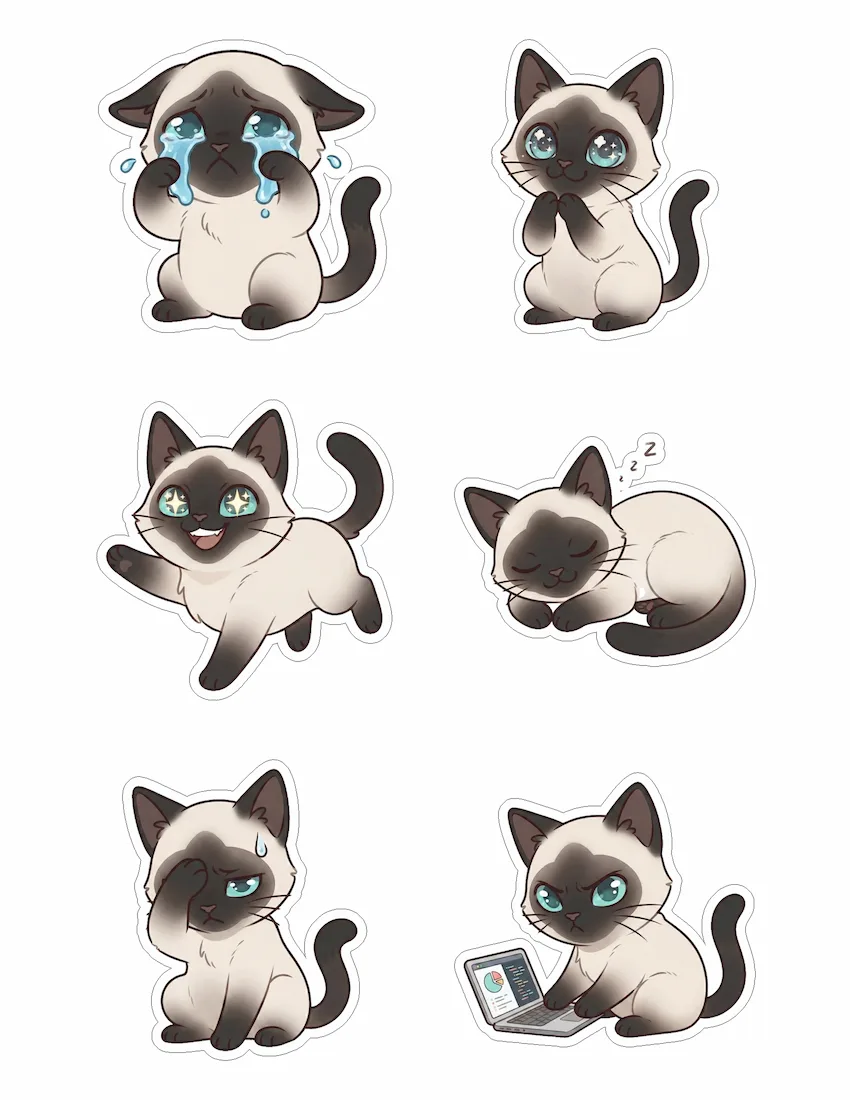
- 🖼️ 6 custom stickers in different poses — all clearly the same cat
- 🖨️ Print-ready PDF (US Letter) with light cut guides for easy trimming
- ✂️ Transparent PNG sheet for Cricut / Silhouette auto-cut
- 📱 Individual PNGs for GoodNotes, planners & chats
- ⚪ Clean white die-cut border on every sticker
Frequently asked questions
Can I use these digitally in GoodNotes or Notability?
Yes — the 6 individual PNGs have transparent backgrounds, so you can import them and drop them onto any digital planner or notebook page.
Can I print them for a paper planner?
Yes. Use the print-ready sheet on sticker paper and cut around the die-cut border, or resize the individual PNGs for smaller planner stickers.
What size are planner stickers usually?
Planner stickers are small — you control the print size, and the PNGs stay crisp when scaled down for a weekly spread or journal.
Are the backgrounds transparent?
Yes, every sticker is a clean cut-out PNG with a transparent background, so it sits naturally on a planner page or digital layout.
What files do I get?
A print-ready US Letter PDF with light cut guides, a transparent PNG sheet, and the 6 individual PNGs for digital use.
Is it free?
Generating and previewing the full pack is free. You pay a one-time $9.90 to download the files — no subscription.