Custom Cat Stickers for Cricut & Silhouette
Want to cut stickers of your own cat instead of buying generic sheets? Stickfur makes custom cat stickers for Cricut and Silhouette: upload one photo and AI generates a pack of 6 die-cut stickers, then hands you a transparent PNG sheet built for Print Then Cut. Every sticker has a clean white cut border, so your machine's cut looks intentional. Preview the pack free, then download and start cutting the same day.
Make my cat stickersFree to generate & preview · $9.90 one-time to download


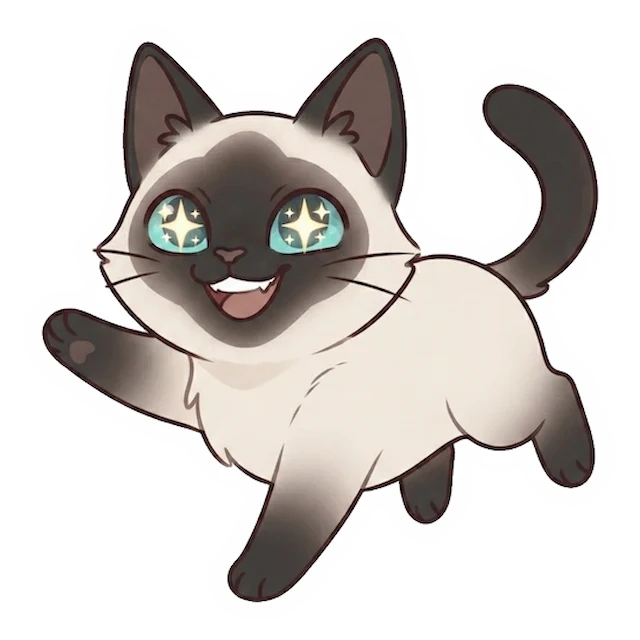
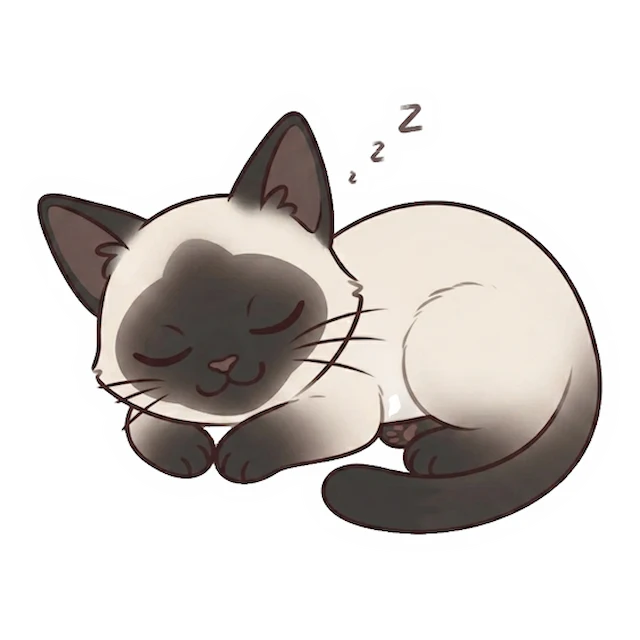
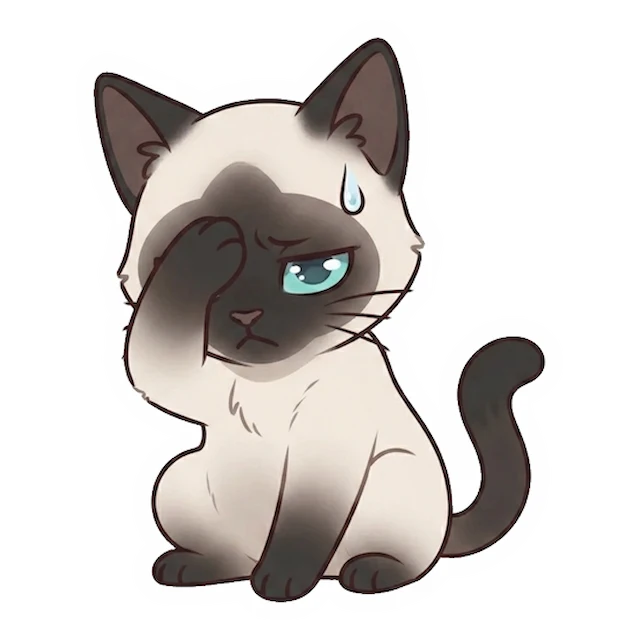
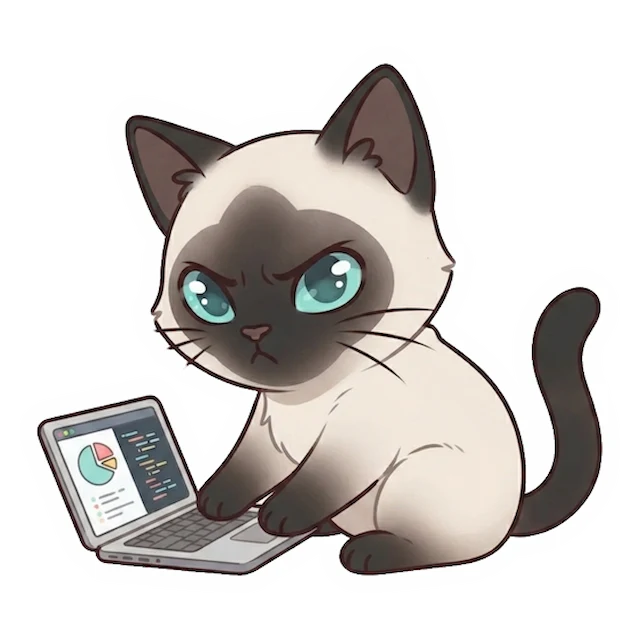
Example pack — 6 die-cut cat stickers, ready to Print Then Cut
Why crafters make them here
- 🖨️ Print Then Cut ready — the transparent PNG sheet drops straight into Cricut Design Space or Silhouette Studio.
- ✂️ Clean cut lines — every sticker has a uniform white die-cut border, so your machine's cut looks intentional.
- 🐱 Truly your cat — not clip-art — the AI keeps your cat's face, colors and markings across 6 poses.
- ⚡ No mail-order — generate, preview and download in minutes; cut them yourself the same day.
Why crafters make them here
- 🛒 vs buying pre-made sticker sheets — shops sell generic designs. This is a sheet of your own cat, ready to cut on your own machine.
- 🖼️ vs free cut files / clip art — those are stock cats. Here every sticker is your cat, in 6 different poses.
- 🧩 vs designing it yourself — no tracing or masking in Design Space — you get a clean transparent PNG sheet that's already cut-ready.
- 📷 vs a plain photo — a raw photo has no cut path. These have a uniform die-cut border built for Print Then Cut.
How to make cat stickers for Cricut
- 1
Upload your cat's photo
One clear photo is enough for the AI to build a matching sticker set.
- 2
Preview 6 poses
Check the whole pack free before you commit.
- 3
Download & import
Grab the transparent PNG sheet and load it into Design Space or Silhouette Studio.
What’s in your pack
One photo in — a full printable kit out.
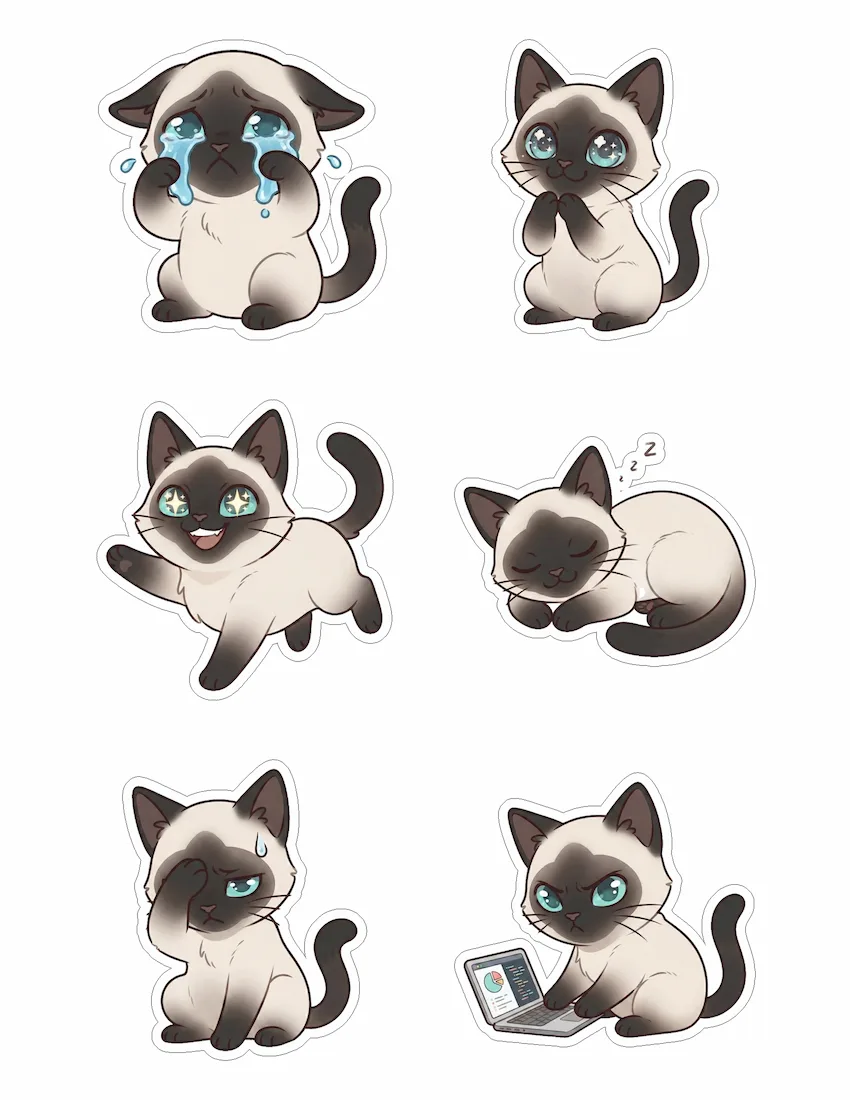
- 🖼️ 6 custom stickers in different poses — all clearly the same cat
- 🖨️ Print-ready PDF (US Letter) with light cut guides for easy trimming
- ✂️ Transparent PNG sheet for Cricut / Silhouette auto-cut
- 📱 Individual PNGs for GoodNotes, planners & chats
- ⚪ Clean white die-cut border on every sticker
Frequently asked questions
Which file do I import into Cricut Design Space?
Use the transparent PNG sheet from your pack. Upload it as an image, keep the transparent background, then use Print Then Cut — Design Space adds the registration marks automatically.
Does it work with Silhouette Studio too?
Yes. The transparent PNG sheet works with Silhouette's Print & Cut the same way; you can also use the individual PNGs if you want to trace single stickers.
How does Print Then Cut work with these?
Your printer prints the sheet, then the machine reads the registration marks and cuts around each sticker's white die-cut border — so the cut follows the shape cleanly.
What size and resolution are the stickers?
They're high-resolution PNGs laid out on a print-ready US Letter sheet, so they stay crisp when printed and cut at typical sticker sizes.
Can I resize or use just one sticker?
Yes. Use the individual PNGs to place and resize single stickers, or the full sheet to cut all six at once.
Is it free?
Generating and previewing the full pack is free. You pay a one-time $9.90 to download the printable files — no subscription.